AI writing tools in the editor
Let the AI draft clauses, translate passages, fix spelling and grammar, or complete a sentence while you write.
Written By Sebastian
Last updated About 2 hours ago
The fynk editor has AI tools built in, so you can draft and polish contract text without leaving the document.
Available on all plans
Write with AI
Place the cursor where the text should go and open Ask AI in the editor toolbar.
Choose Generate text via AI.
Describe what you need, for example A confidentiality clause with a term of three years after the end of the contract.
Review the suggestion, then insert it or try again.
When you create a new template, you can also choose Ask AI to write to draft the whole first version from a short description.
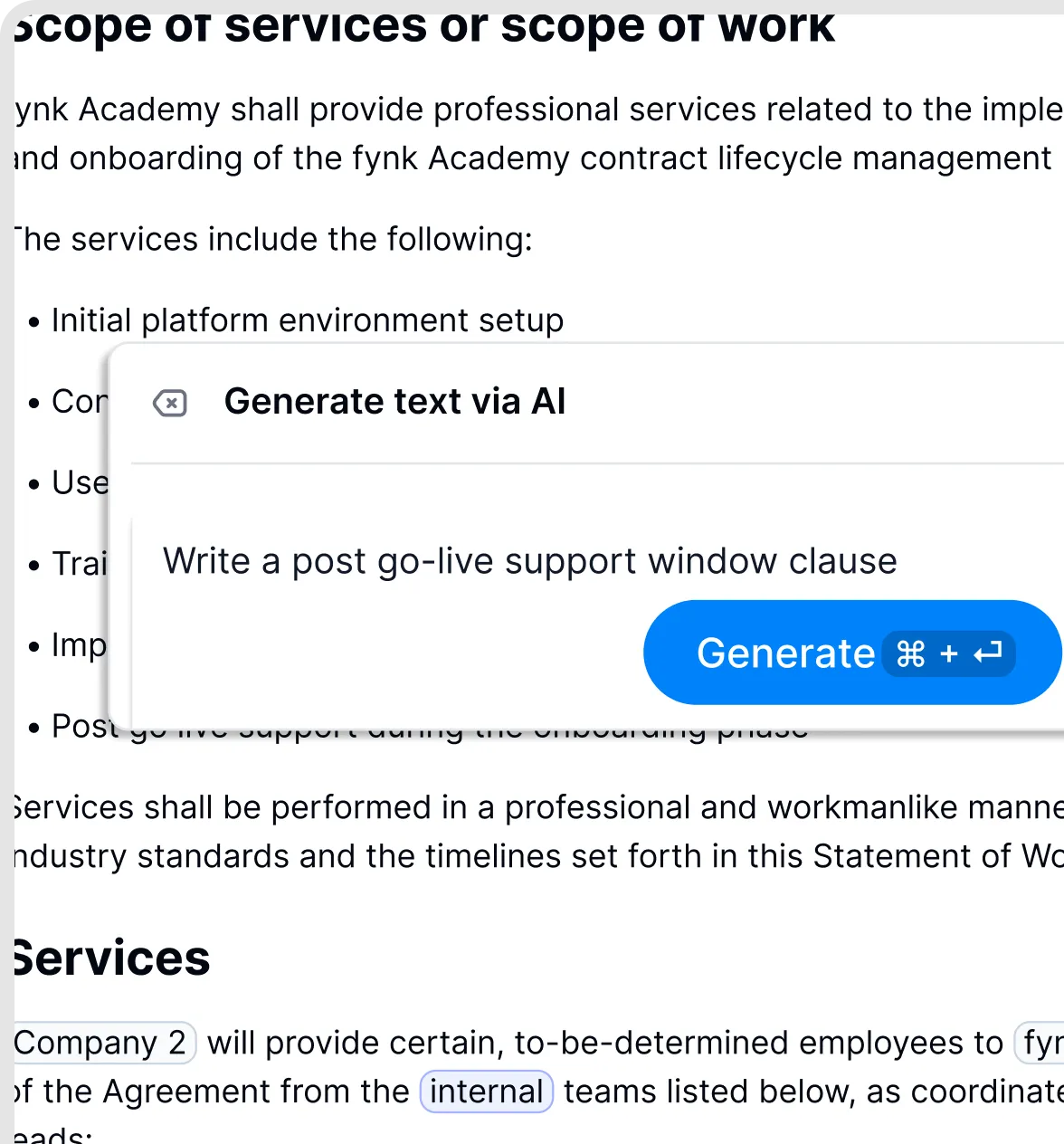
Describe the text you want the AI to draft.
Complete as you type
Start a sentence and type ??. The AI suggests how to continue. Press Tab to accept the suggestion, or keep typing to ignore it.
Translate
Select the text and choose Ask AI → Translate in the editor toolbar. Choose one of eight target languages: English, German, Spanish, French, Italian, Portuguese, Dutch or Polish.
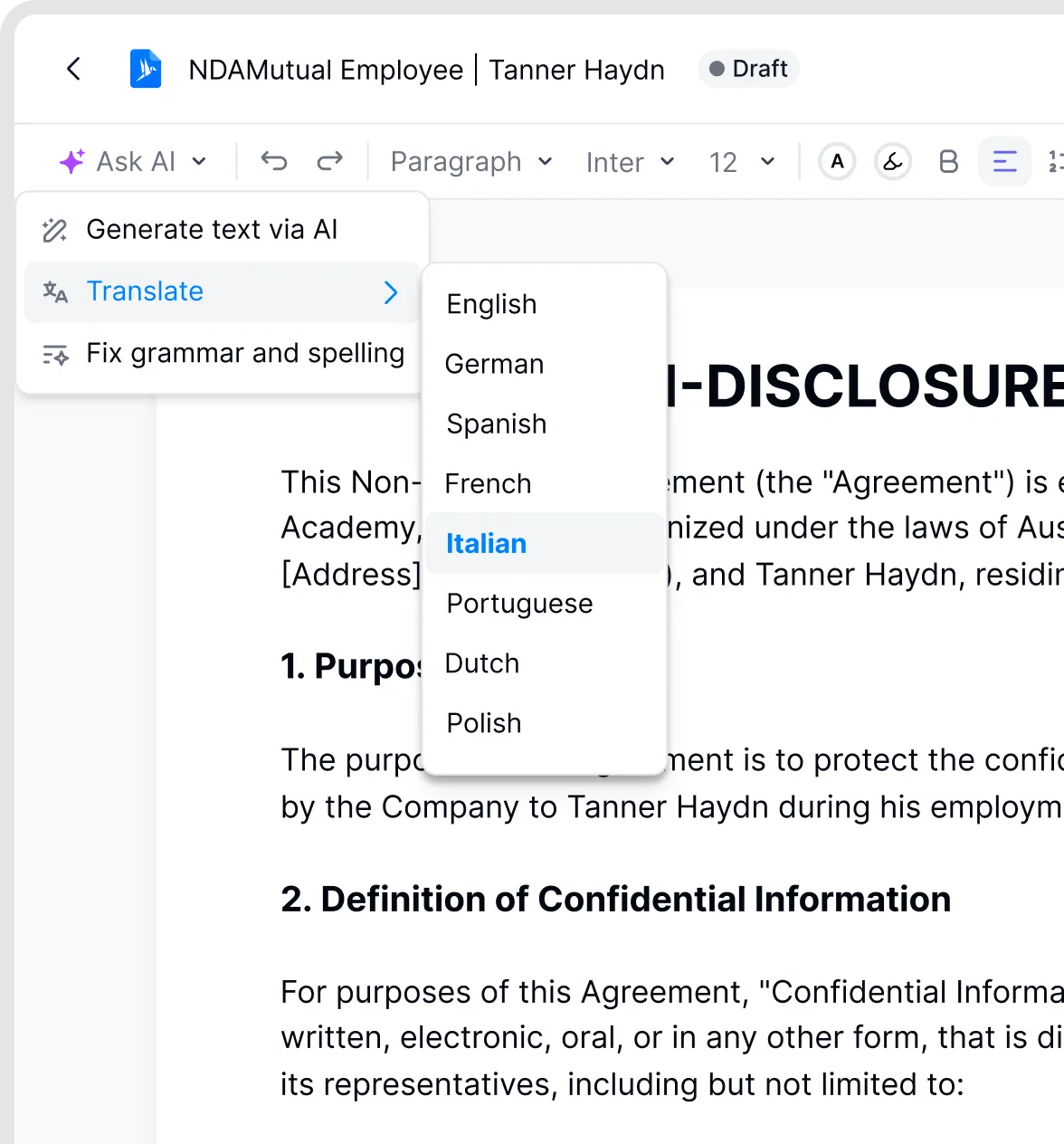
Translate selected text with AI.
Fix spelling and grammar
Select a paragraph and choose Ask AI → Fix grammar and spelling in the editor toolbar. The AI corrects the selected text.
Good to know
Always read AI-generated text carefully before you use it. The AI doesn't know your company's legal positions and can make mistakes.
The AI only changes the text you select or the place where your cursor is. The rest of the document stays as it is.
To ask questions about a contract or check it against your rules, use the AI assistant or playbooks. See the AI in fynk collection.
The AI assistant can't edit contract text or suggest redlines. To change text with AI, use the tools in the editor described here.
Related articles
Was this helpful?
Still need help? Ask the team